How to secure your OnlyFans account in six steps
Your email, your passwords and one extra check protect most accounts. Six steps for passwords, two step verification, phishing and shared access.
Part of the guide: Creator privacy checklist: a clean setup, step by step
By the SOMAS Management editorial team 4 min read
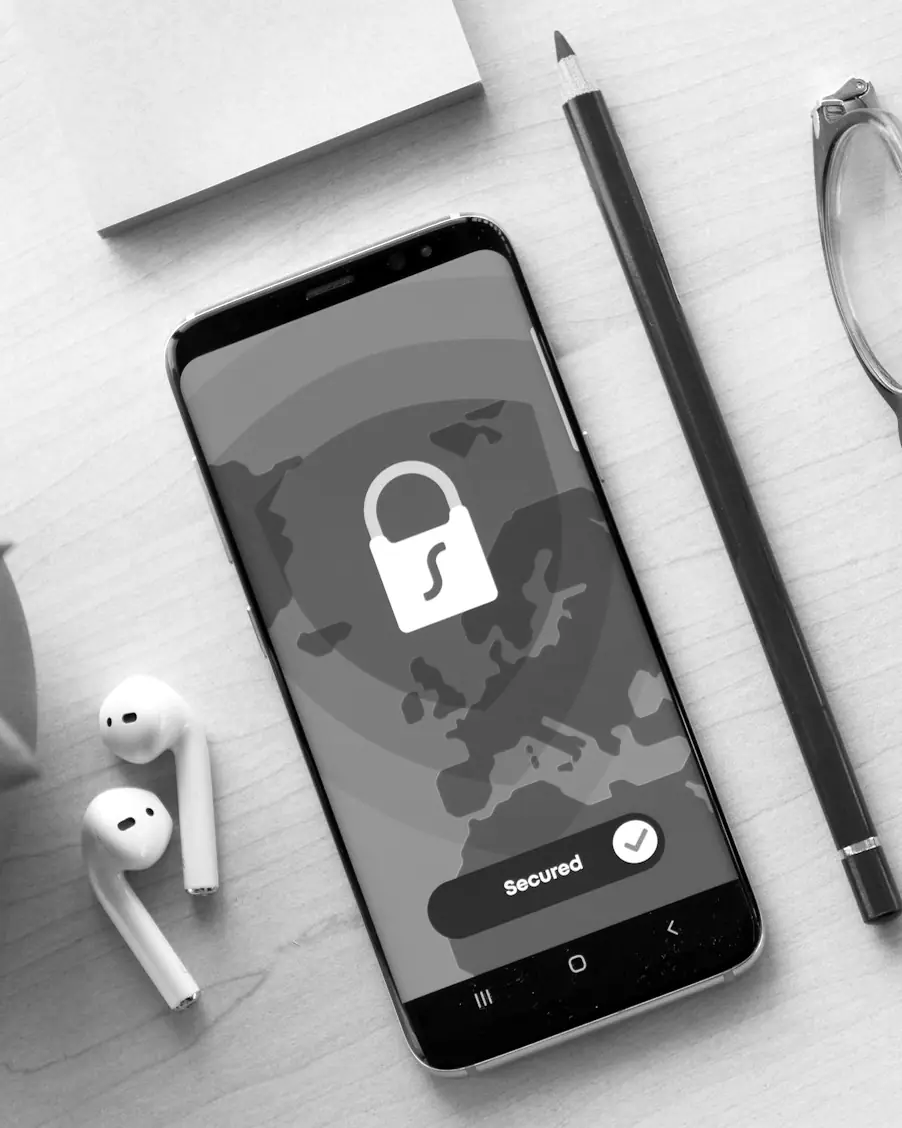
Most hacked accounts were not attacked cleverly. A reused password, a code handed to the wrong person or an unprotected email account is usually the way in. For an account that holds your work and your payouts, a few habits close almost every door. This guide explains how to secure your OnlyFans account in six steps, in the order that matters.
Six steps, in order
- 1
Protect your email first
Whoever controls your inbox can reset the passwords on your other accounts, so lock it down before anything else. Give it its own strong password and a second step, and keep it apart from your personal inbox, as described in separate email and phone.
- 2
Use a password manager
A manager lets you have a unique, strong password for every account without memorising them. The one built into your browser or phone is acceptable on your own devices, and a separate app helps if you mix devices. Protect the manager itself with a strong master password and a second step.
- 3
Turn on a second step
Any second step is better than none. Open the account’s security settings and see what it offers, because the methods on offer can change over time.
- 4
Learn what phishing looks like
Most attacks arrive as a message that creates urgency. The next section lists the usual stories.
- 5
Keep your devices in order
Switch automatic updates on, use a screen lock, never save passwords on a shared or public computer, and look from time to time at which devices are signed in to your accounts.
- 6
Prepare for losing access
Store backup codes offline, keep a recovery address that only you can open, and decide in advance what you would do if your phone were lost.
Choosing a second step
| Method | What to know | Watch out for |
|---|---|---|
| Text message | The default on many services, and better than nothing | A national cyber security agency says it is not the most secure option |
| Authenticator app | Works without a phone signal and does not depend on a message arriving | Save backup codes in case the phone is lost |
| Security key | Offered by some services as a further option | Support varies, so check what your platform accepts |
Backup codes are single use. When you have used them all, generate a new set, and store them somewhere safe and offline.

Messages that should make you stop
The usual phishing stories
- “Your account will be suspended in 24 hours unless you confirm your details.”
- “A copyright complaint has been filed against you. Open the attached form.”
- “We could not send your payout. Log in here to fix it.”
- “Support needs the code we just sent you.”
The rule is simple. If a message asks you to log in, open the site or the app yourself instead of following the link. A password manager helps here, because it fills a login only on the correct website. And no genuine support team needs your password or a code that was sent to you.
If someone else manages your account
Some creators let an agency or an assistant manage the account. That can be done safely, but it needs clear answers before you hand anything over:
- Who holds the login details, and where are they stored?
- Whose device receives the verification codes?
- Who else can see them?
- What happens to access on the day the work ends?
The same questions belong in how to choose an agency. For a creator whose identity stays private, they are as important as the contract.
If you think someone got in
Change the password of your email account first, then the password of the platform. Sign out of every session, check your payout details and contact the platform through its official site. Then look at what to do if content leaks and at how to reduce the trail for doxxing, because an account takeover often comes with those risks. You can also check whether your email address appears in a known breach with Have I Been Pwned.
Questions and answers
Is a password manager safe?
It is safer than reusing passwords or writing them down. Protect it with a strong master password and a second step, and keep the devices it runs on up to date.
Are text message codes enough?
They are better than nothing. An authenticator app or a security key is stronger where the platform allows it.
What are backup codes?
Single use codes that let you in when your usual second step is unavailable, for example when your phone is flat or lost. Store them offline.
Should I share my login with a friend or a partner?
Avoid it. Shared access is a leak waiting to happen. If someone helps with the account, agree who, on which terms, and how access ends.
Sources and further reading
- Setting up two step verification (2SV) National Cyber Security Centre (NCSC)
- Using a password manager National Cyber Security Centre (NCSC)
- Check if your email address has been exposed in a data breach Have I Been Pwned
Keep reading